
AI Illustration Pose Generator
Upload a base character illustration and generate walking, running, sitting, fighting, and custom poses while keeping your art style consistent. No login required to start.
Create Character Poses Online
Image Upload
Upload an image to use as reference for transformation.
🔒 We won't store your uploaded images for privacy.
Click to upload or drag and drop
PNG, JPG, GIF, WEBP up to 3MB
Pose library (Optional)
The built-in library has 44 poses and is optional. Describe a custom pose in the prompt, or pick a sketch here. Your uploaded illustration stays the character reference.
Click a sketch to use it. Click again to clear.
Model
Choose the model for image generation.
Prompt (Required)
Describe what you want to generate or transform.
Generated Character Poses
Download your generated images, fine-tune them in the image editor, or tap the heart to save favorites.
No images generated yet
Upload an image and click generate to see results.
Before and After: One Illustration, Many Poses
See how a single base character becomes multiple dynamic pose variations with the same line art, colors, and design language.
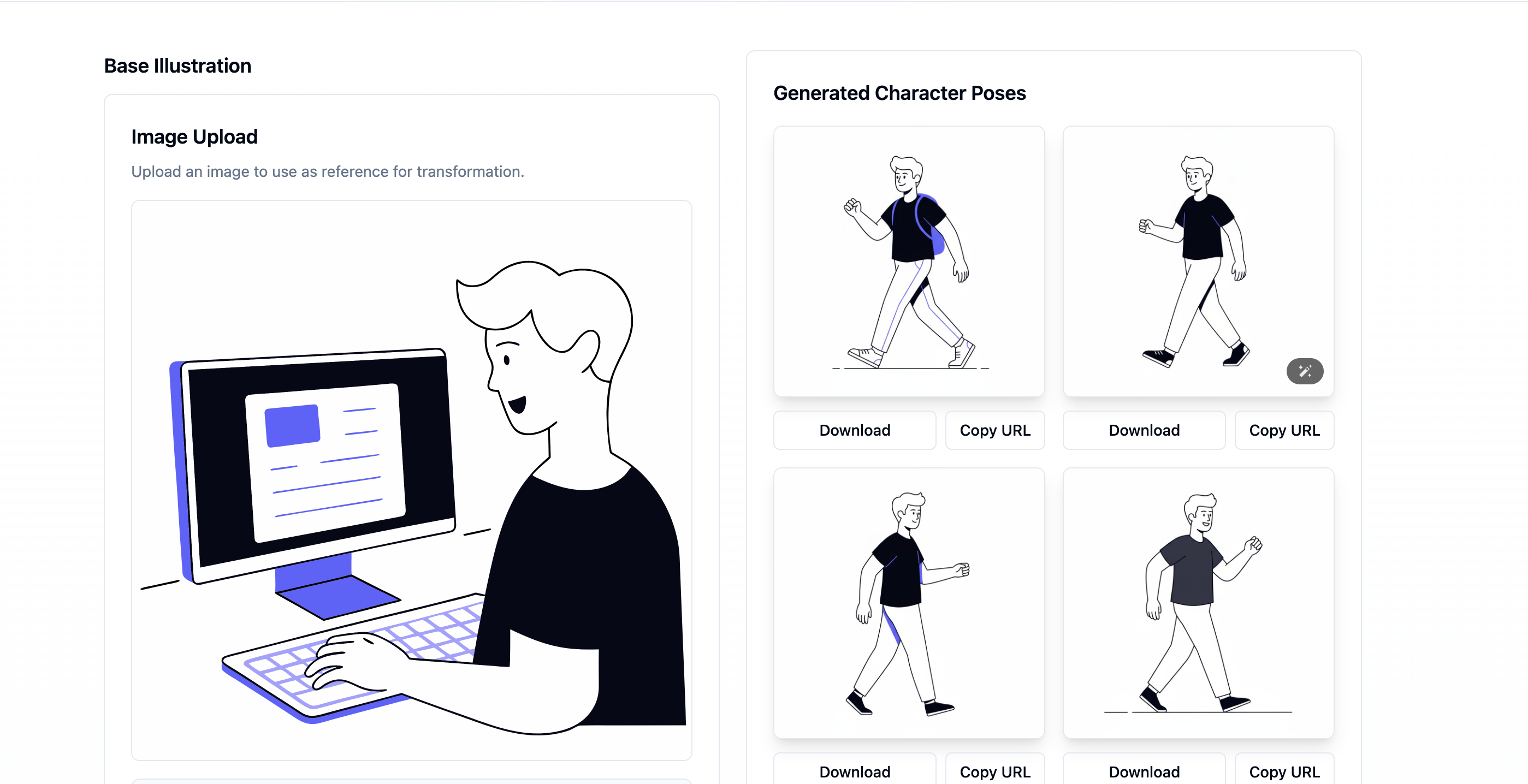
Before — your base illustration
Start with any clear character drawing: desk pose, standing portrait, or concept sketch. This image is the style reference the model follows for outfit, proportions, and rendering.
After — AI-generated character poses
Receive walking, standing, and other motion variants in the same art style. Download the poses you like for character sheets, animation references, web assets, or storyboards.
How AI Pose Generation Works
Three steps from base illustration to downloadable character poses—no complex setup, no prompt engineering degree required.
1. Upload your base illustration
Drop in a PNG, JPEG, GIF, or WEBP of your character. Clear line art and a readable silhouette help the model lock onto clothing, hair, and proportions.
2. Choose a pose or write a prompt
Pick presets like Walking, Running, Sitting, Standing, Jumping, Fighting, Dancing, or Thinking—or describe a custom pose in plain language for more control.
3. Generate and download
Generate 1, 2, or 4 pose variations at once. Review the results, download the keepers, and iterate with a new preset when you want another direction.
Under the hood, the model treats your upload as a style and identity anchor. Your pose prompt steers body language and motion—forward gait, combat stance, contemplative gesture—while the reference image constrains colors, outfit details, and artistic treatment. That combination is what makes AI pose generation feel like an assistant for character sheets rather than a random image lottery.
If a result is close but not perfect, refine the prompt with specifics (“three-quarter view,” “arms crossed,” “mid-stride, left foot forward”) or try another preset. Generation time varies by model and demand, but testing several directions is usually much faster than redrawing every option by hand.
Illustration Styles the Pose Generator Supports
Restyle the same character pose across common art looks—sketch, cartoon, anime, and more—without redrawing from scratch.
Anime & manga
Keep distinctive hair, outfits, and line weight across action and idle poses for comics and fan art pipelines.
Cartoon & webcomic
Generate expressive poses for strips, educational explainers, and mascot storytelling without redrawing every panel.
Flat, vector-style & UI art
Create raster pose variations with a flat, vector-like look for websites, onboarding flows, and presentation decks.
Concept & game art
Explore combat stances, locomotion, and cinematic gestures as pose references before committing to final production art.
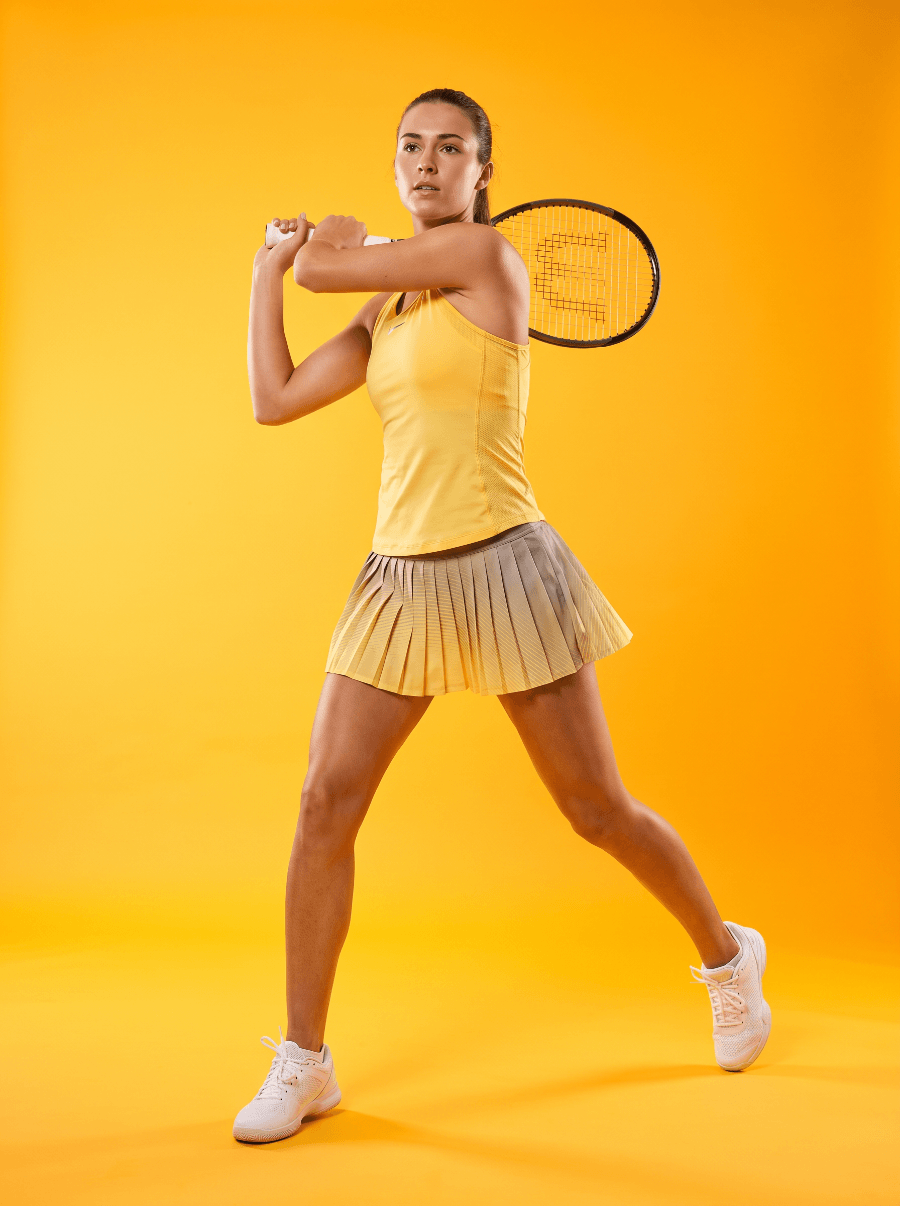
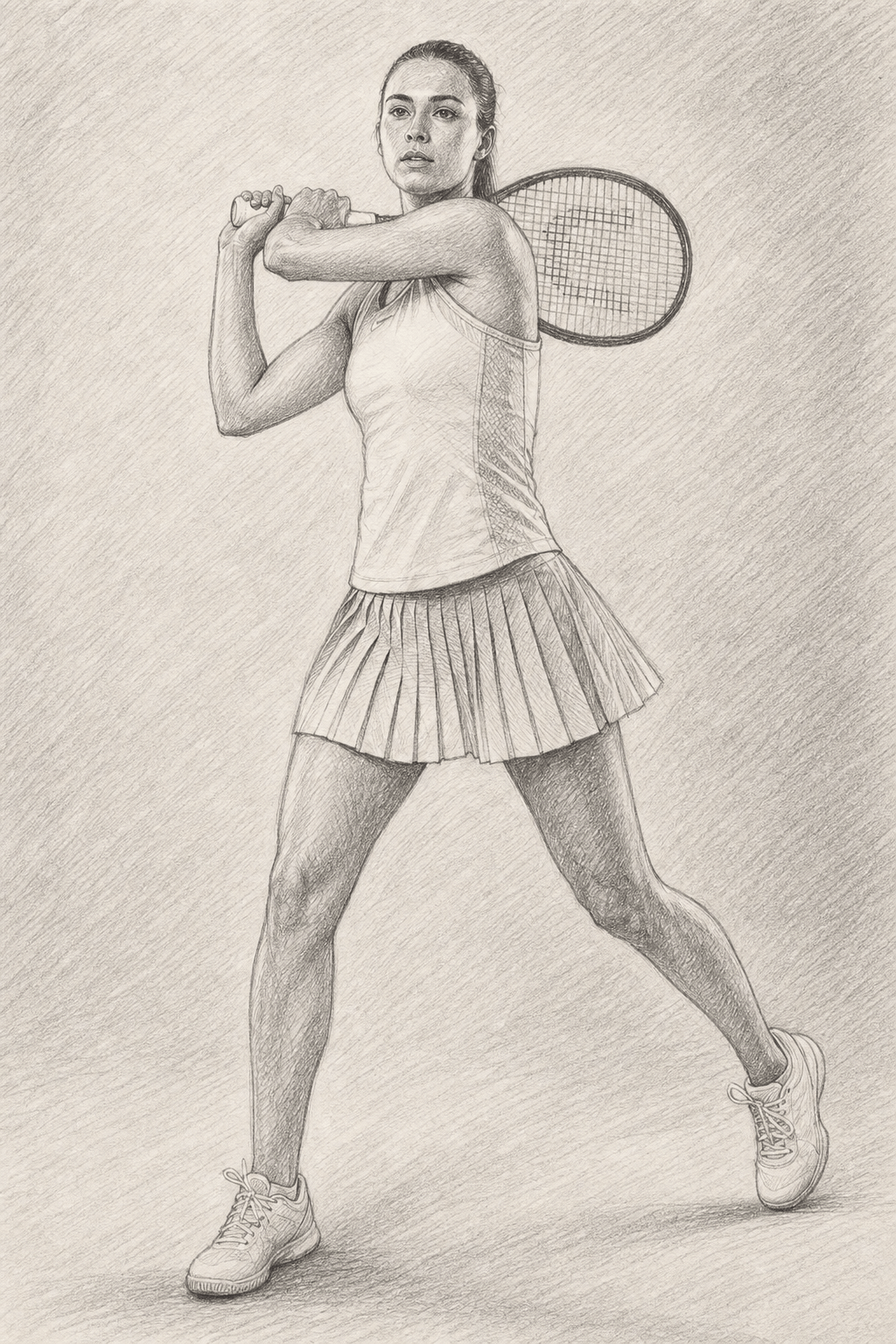
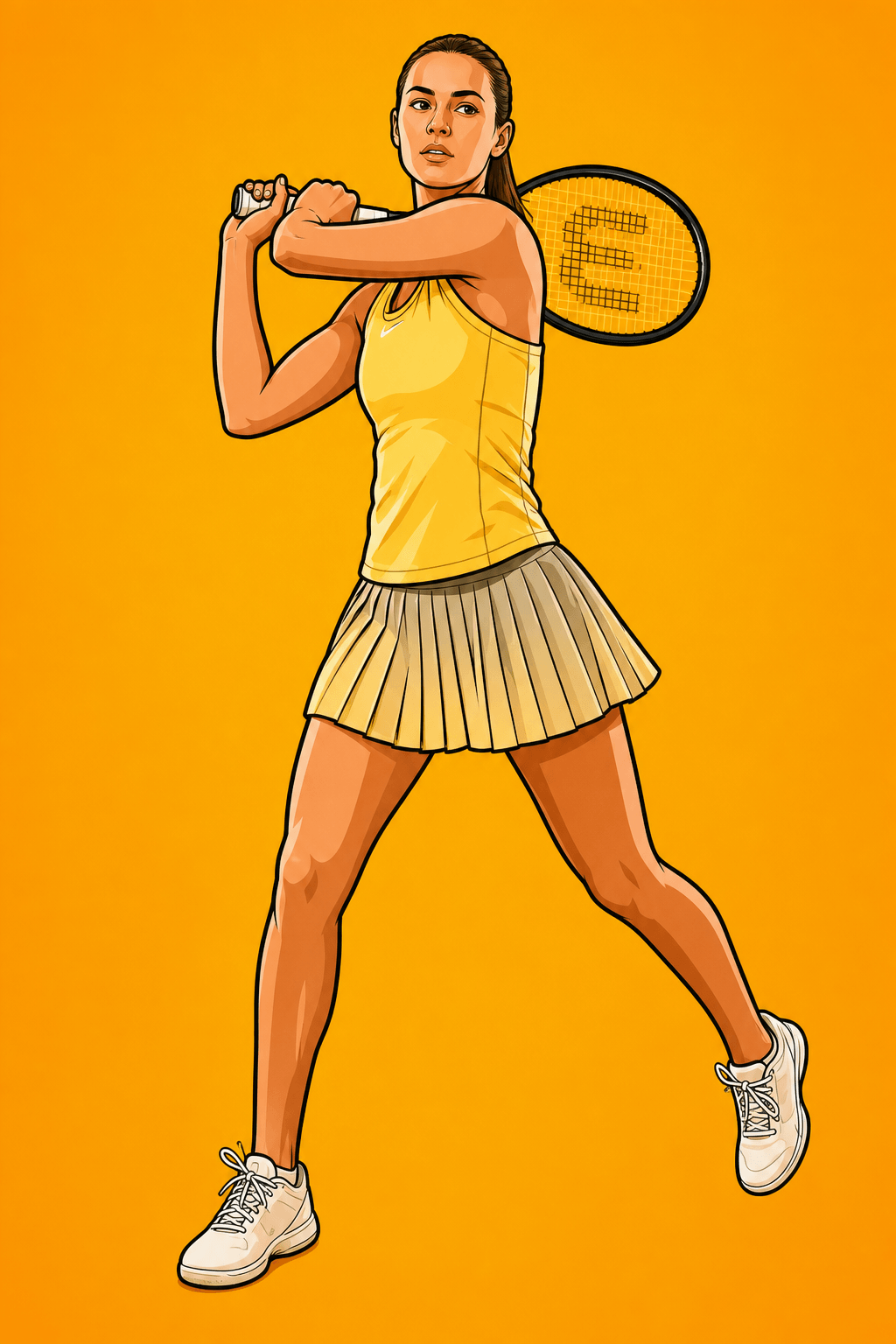
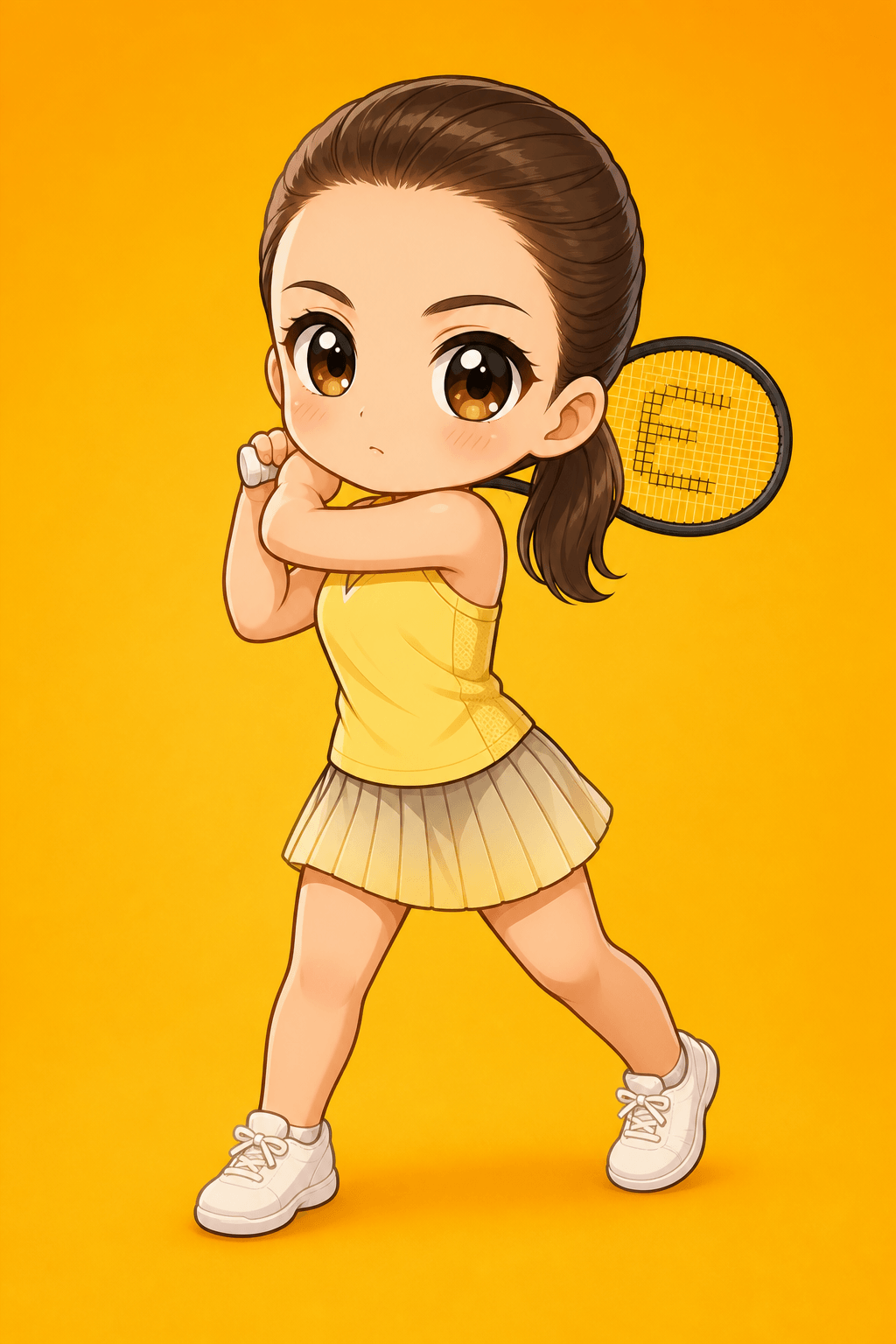
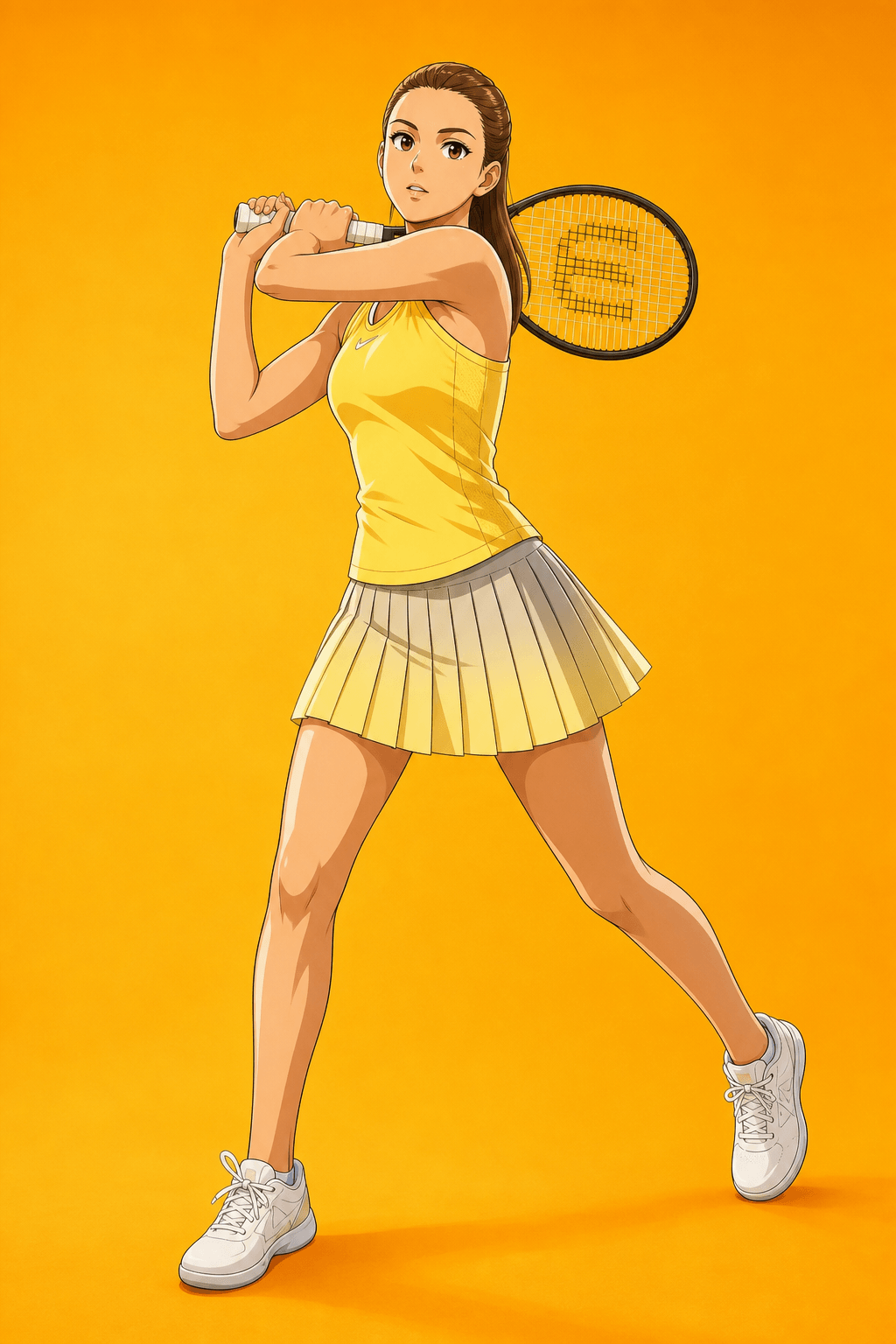
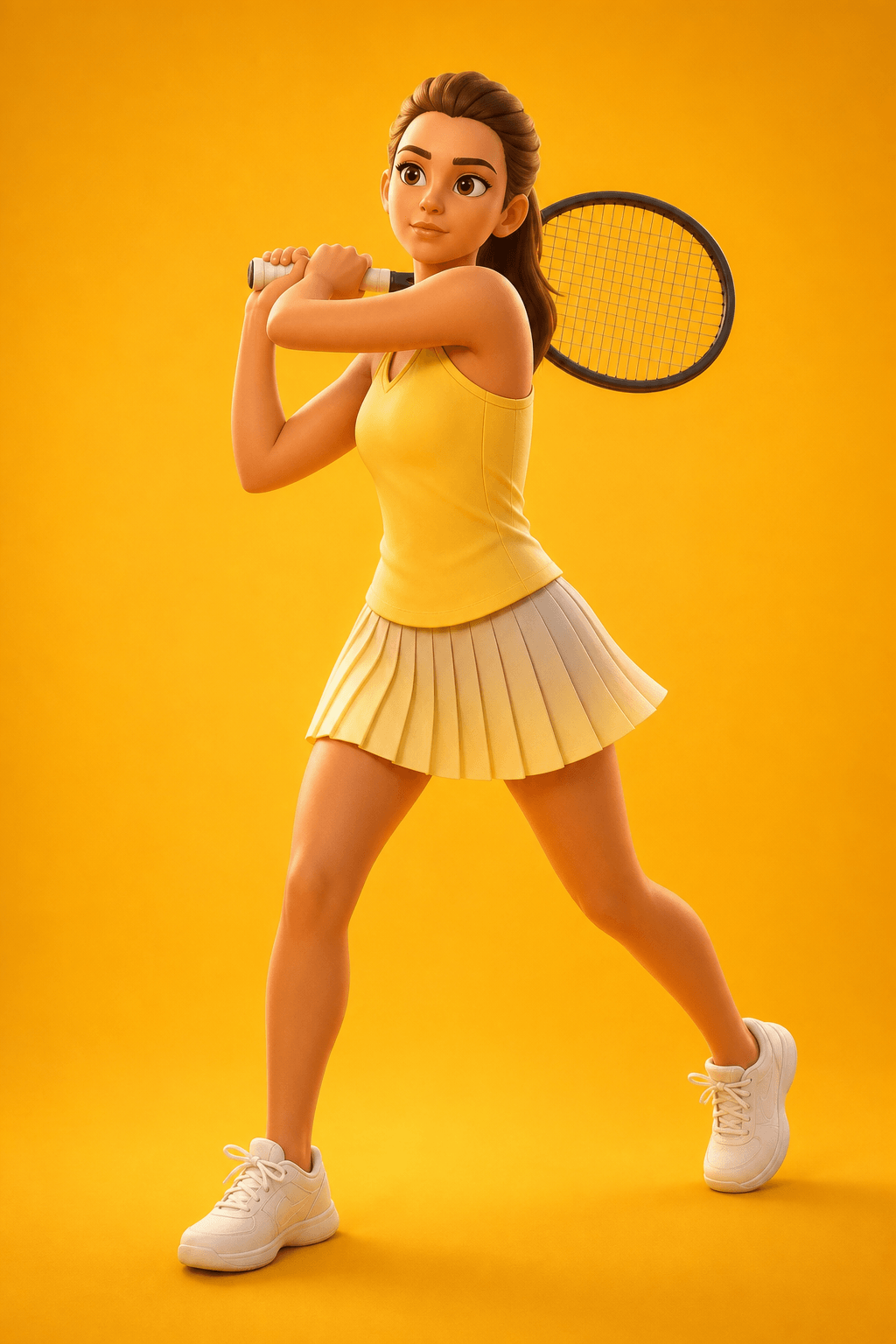
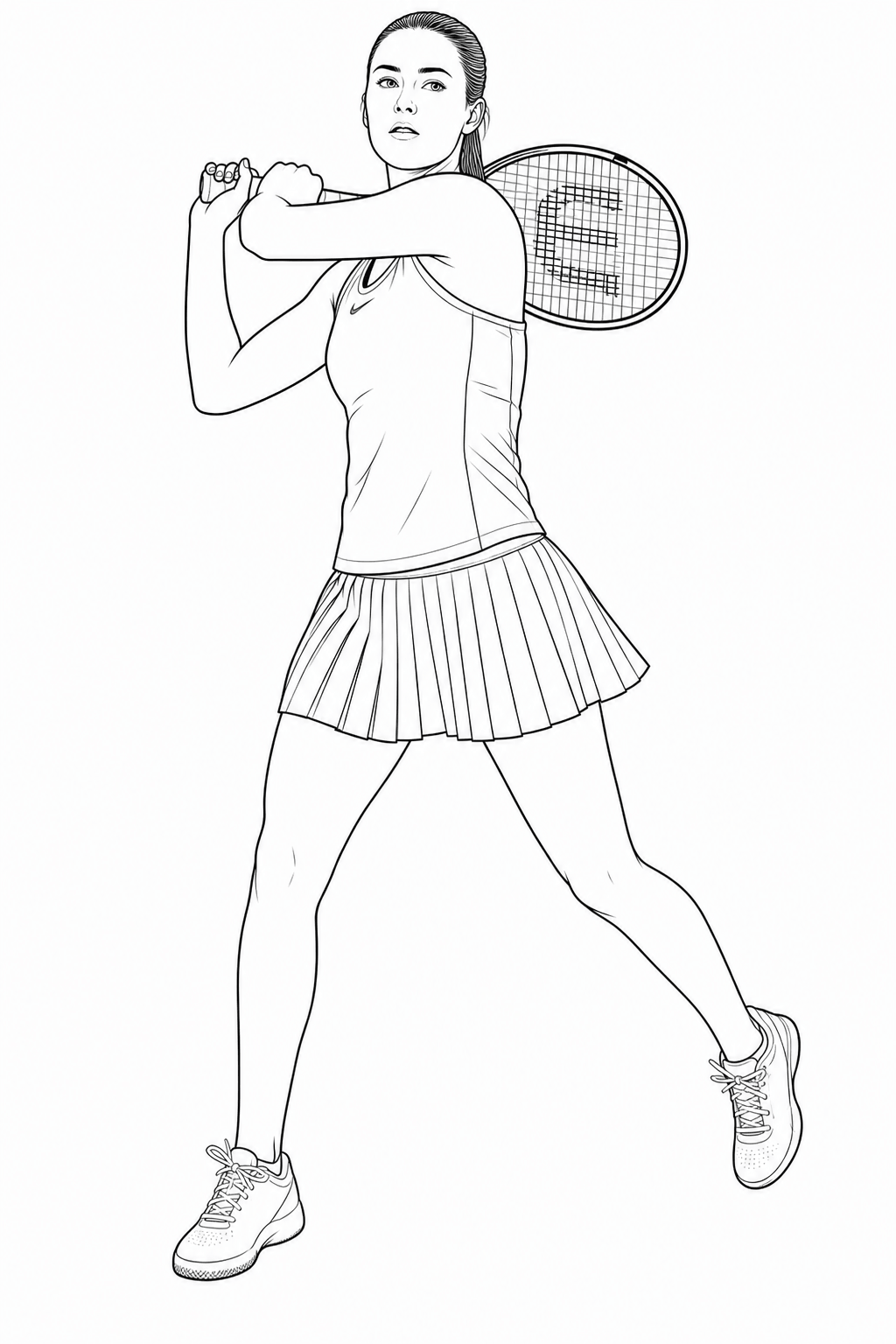
Choose an art style when you generate: sketch, cartoon, Q cartoon, anime, 3D cartoon, or line art. The pose and character stay locked; only the rendering changes. Use the preview above to compare how one reference reads across different looks before you commit to a run.
Why AI Pose Generation Beats Manual Adjustments Alone
Hand-adjusting poses in a drawing app is still valuable for final polish. The bottleneck is exploration. Building eight walk-cycle or presentation variants by hand can take hours of anatomy fixes, clothing redraws, and proportion checks. An illustration pose generator collapses that exploration loop into minutes so you spend time directing, not reconstructing.
Teams also benefit from shared visual continuity. When marketers, animators, and designers pull from the same base illustration, AI-generated poses keep the character recognizable across channels instead of drifting into slightly different “almost the same” redraws. That consistency matters for brand mascots, game NPCs, and serialized content.
Faster iteration
Generate multiple pose options in seconds and keep only the frames that fit the story or layout.
Style consistency
Maintain the same character identity across walking, idle, and action poses for sheets and campaigns.
Creative coverage
Explore directions you might not sketch first—then refine the winners in your preferred illustration tool.
Illustration Pose Generator Use Cases
Practical ways creators use AI character pose generation in production workflows.
Websites & product UI
Build a small library of matching character poses for landing pages, empty states, and feature explainers. One base mascot can become a wave hello, a thinking pose for docs, and a success pose for checkout—without commissioning each asset separately.
Presentations & education
Teachers and course creators generate instructional characters in pointing, demonstrating, and listening poses. Consistent illustration pose generation keeps slide decks cohesive while matching each lesson beat.
Animation & motion reference
Use generated walking, running, and jumping poses as keyframe references before you animate. Artists still own timing and polish—the generator accelerates the rough pose pass and character turn exploration.
Comics, games & art projects
Expand a single concept sketch into a mini pose sheet for combat, dialogue, and idle states. Game designers and illustrators use the outputs as springboards for final production art and storyboard panels.
Across these illustration pose generator use cases, the pattern is the same: protect the character’s identity, vary the body language, and ship more scenes with less redrawing. Whether you need a quick marketing set or a deeper animation reference pack, start from one strong base illustration and generate outward.
Related tool
Need multi-view consistency from one reference?
Generate front, side, back, and expression closeups while keeping the same character identity—ideal when one posed shot is not enough for production or storyboards.
Try Consistent Character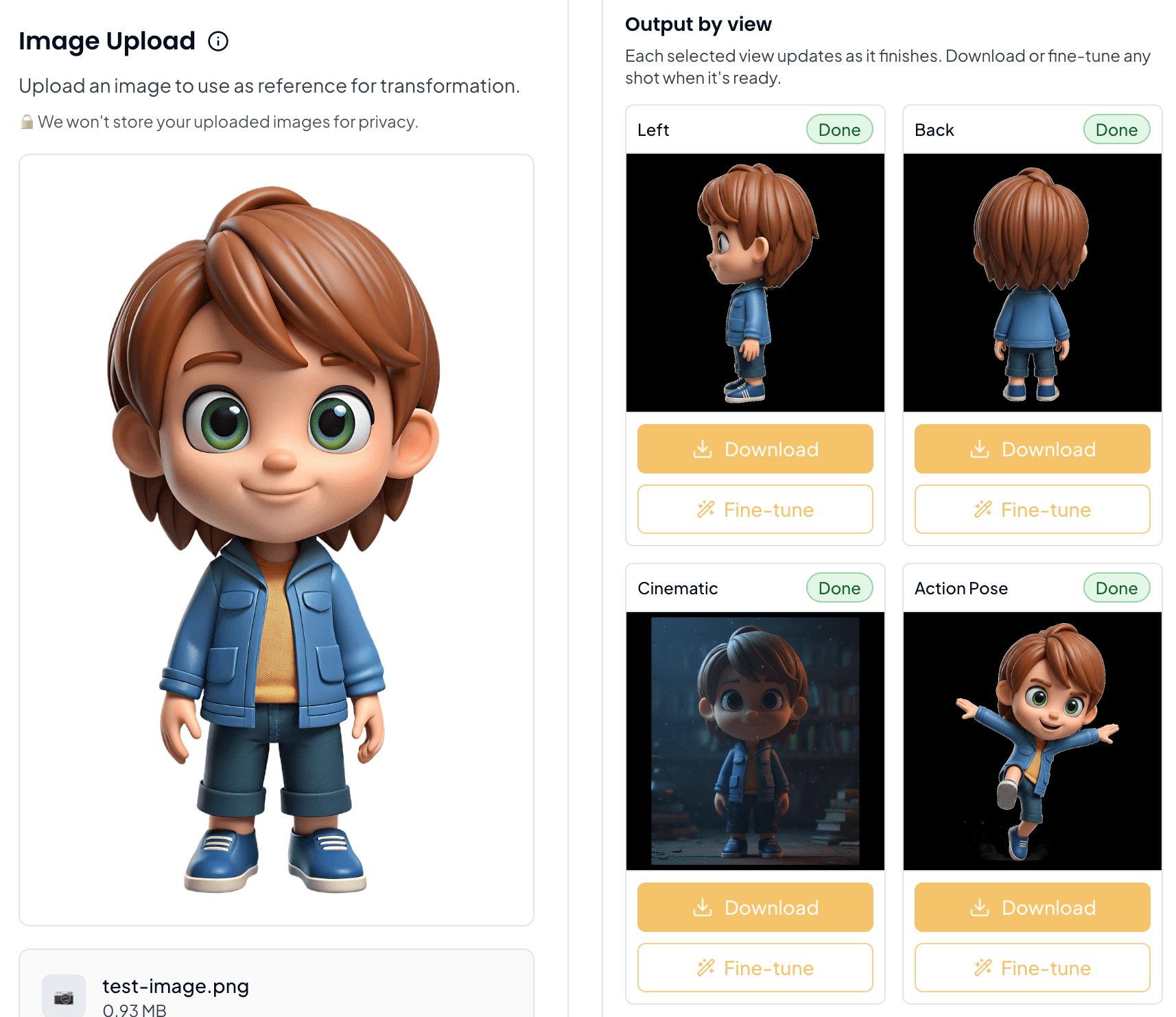
Related tool
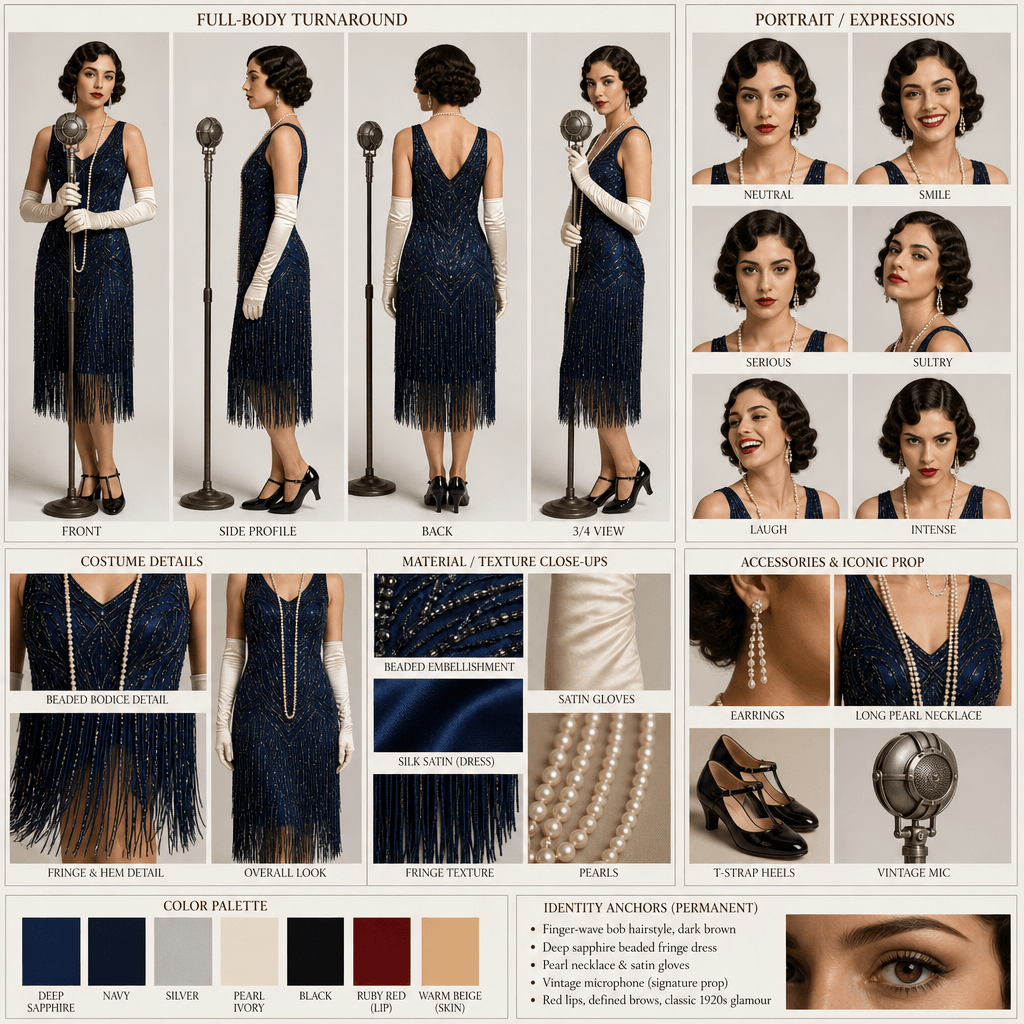
Need a full character sheet?
Build a production-ready sheet with front, side, back, expressions, and outfit details in one image. Describe a character or upload a reference.
Try AI Character Sheet GeneratorAI Illustration Pose Generator FAQ
Common questions about character pose generation, styles, and commercial use