
How to Use an AI Illustration Pose Generator With a Pose Sketch Library
GuideAn AI illustration pose generator is useful when you already have a character drawing and need a new stance without redrawing the outfit. Upload the illustration, pick a pose sketch, and keep hair, clothes, and style as the identity lock.
Open the AI Illustration Pose GeneratorWhere this fits
Use it when the character is already drawn and you still need more stances. Comic pages need extra panels without a costume redraw. For AI video character design, lock the look first, then generate walk, sit, and talk stills before you make clips. Online stores use illustrated models in standing or holding poses for product photos, so a listing can show the item on a person without a new shoot.
Pose library
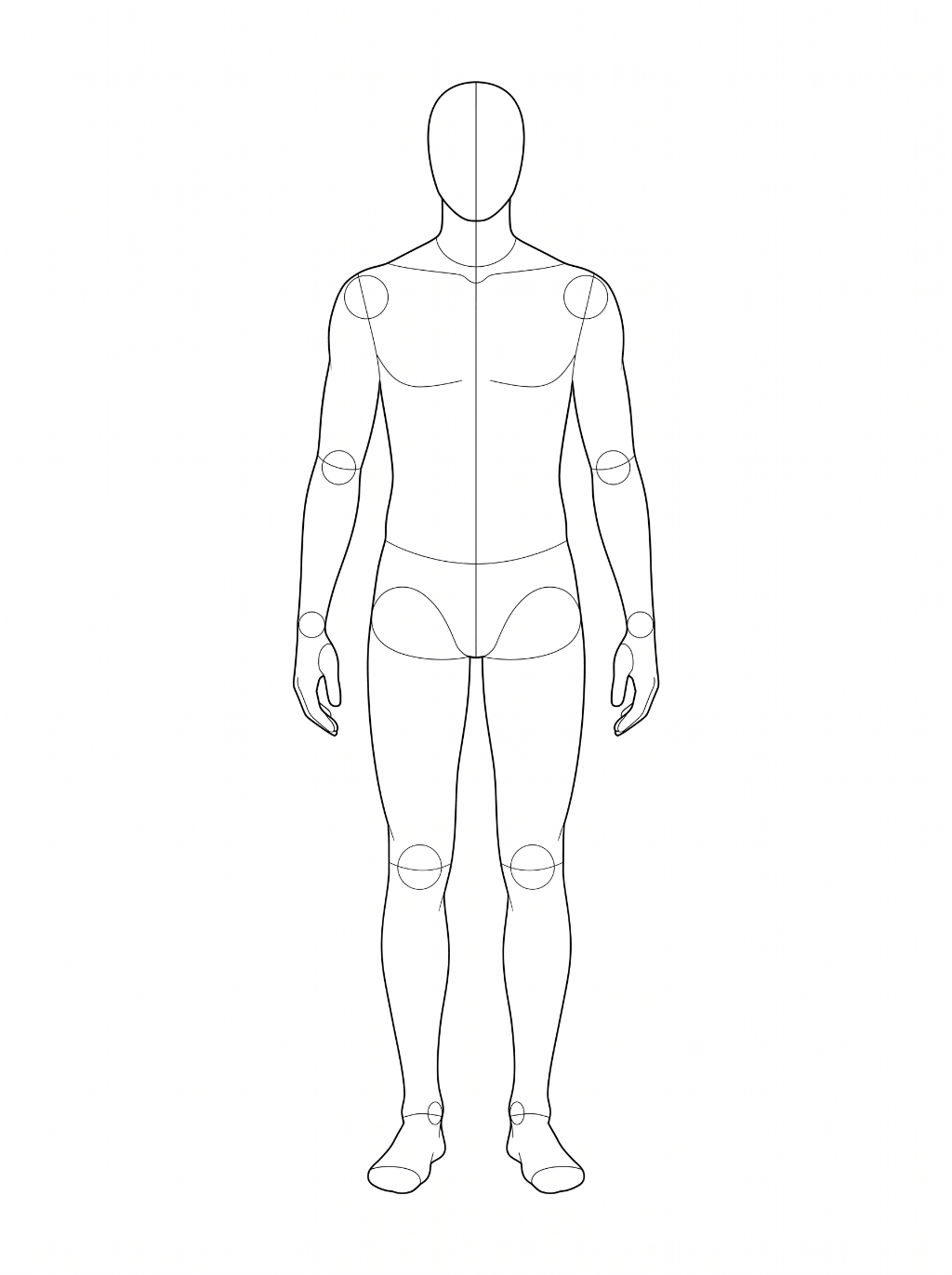
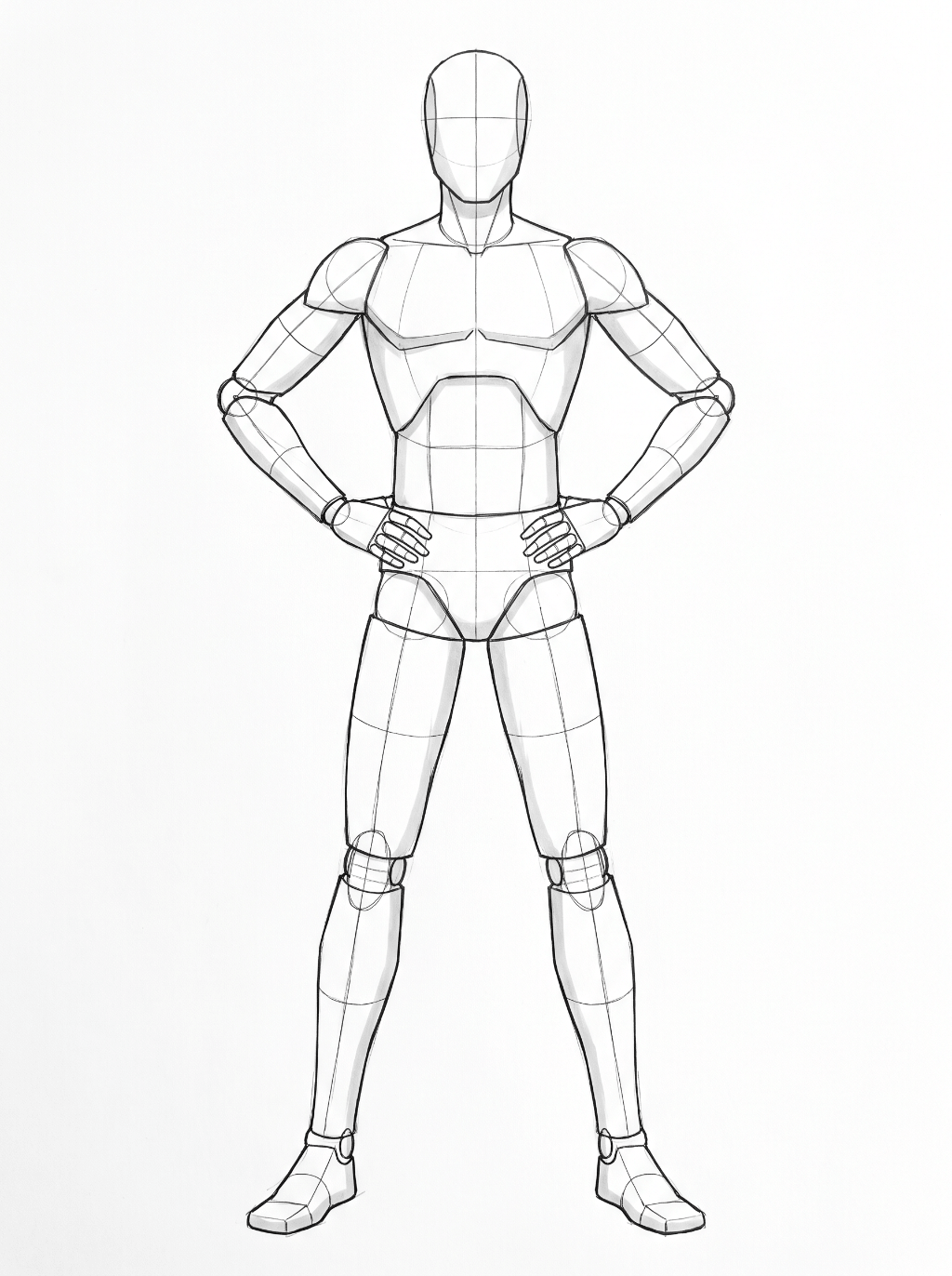
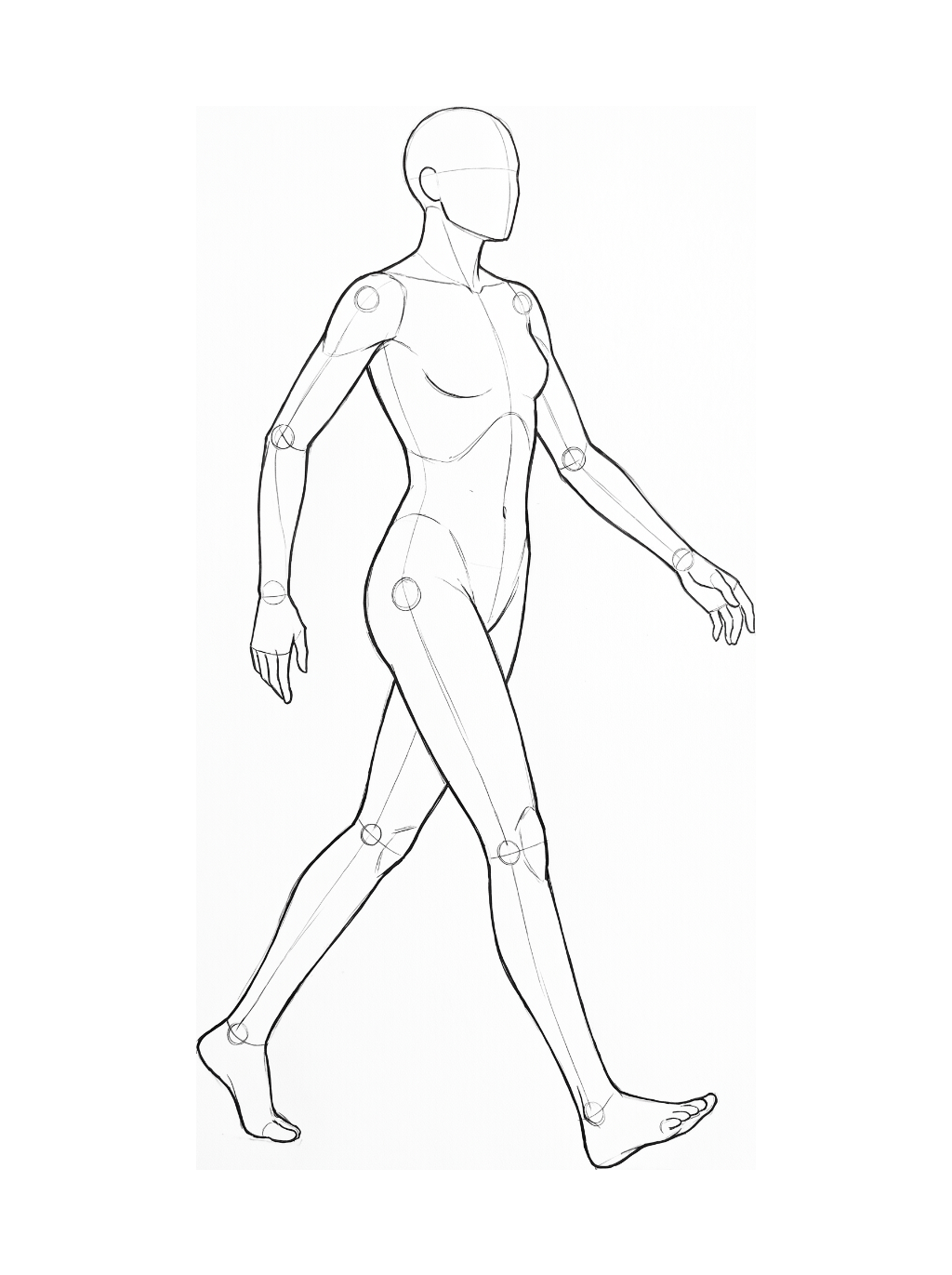
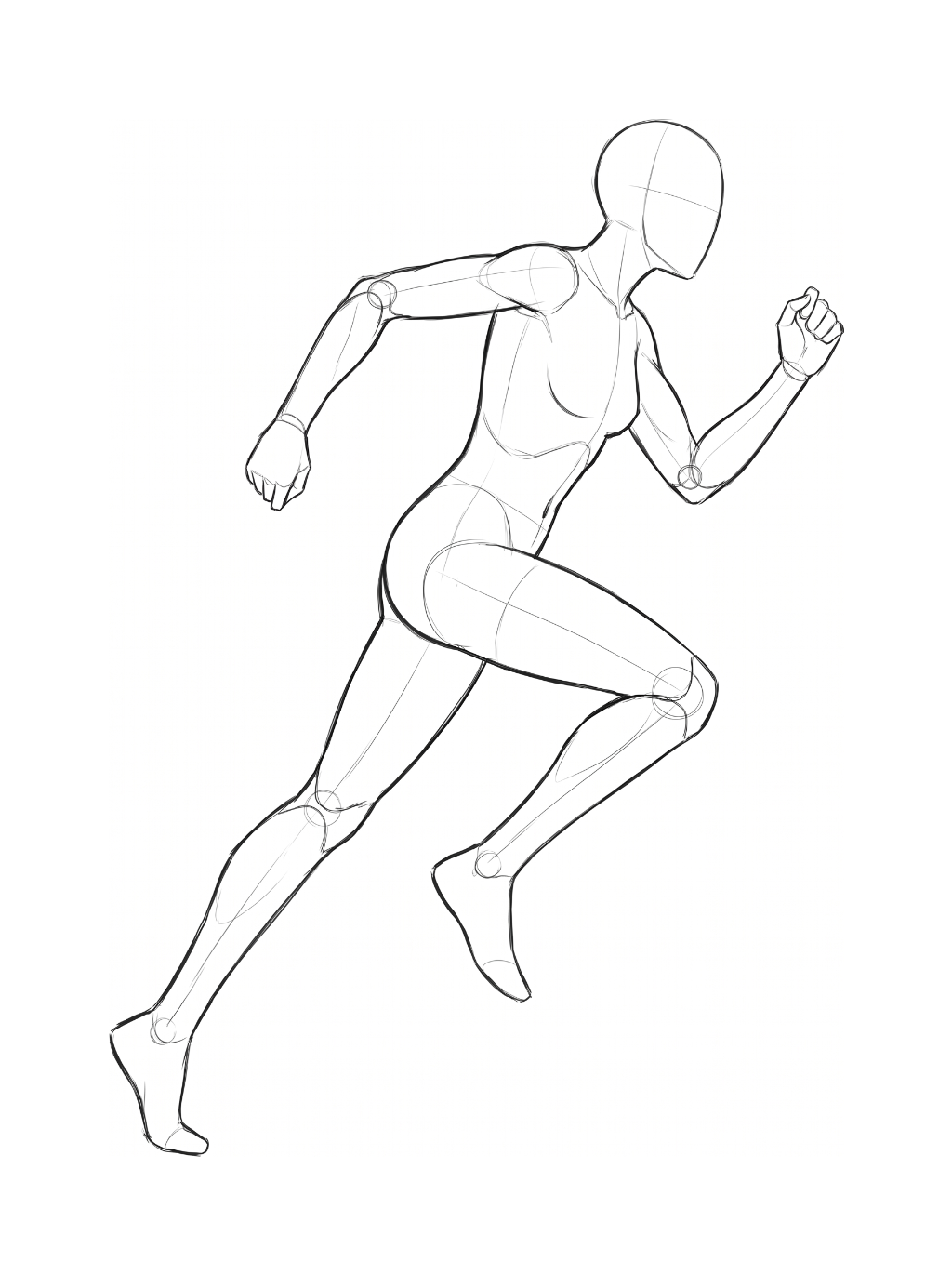
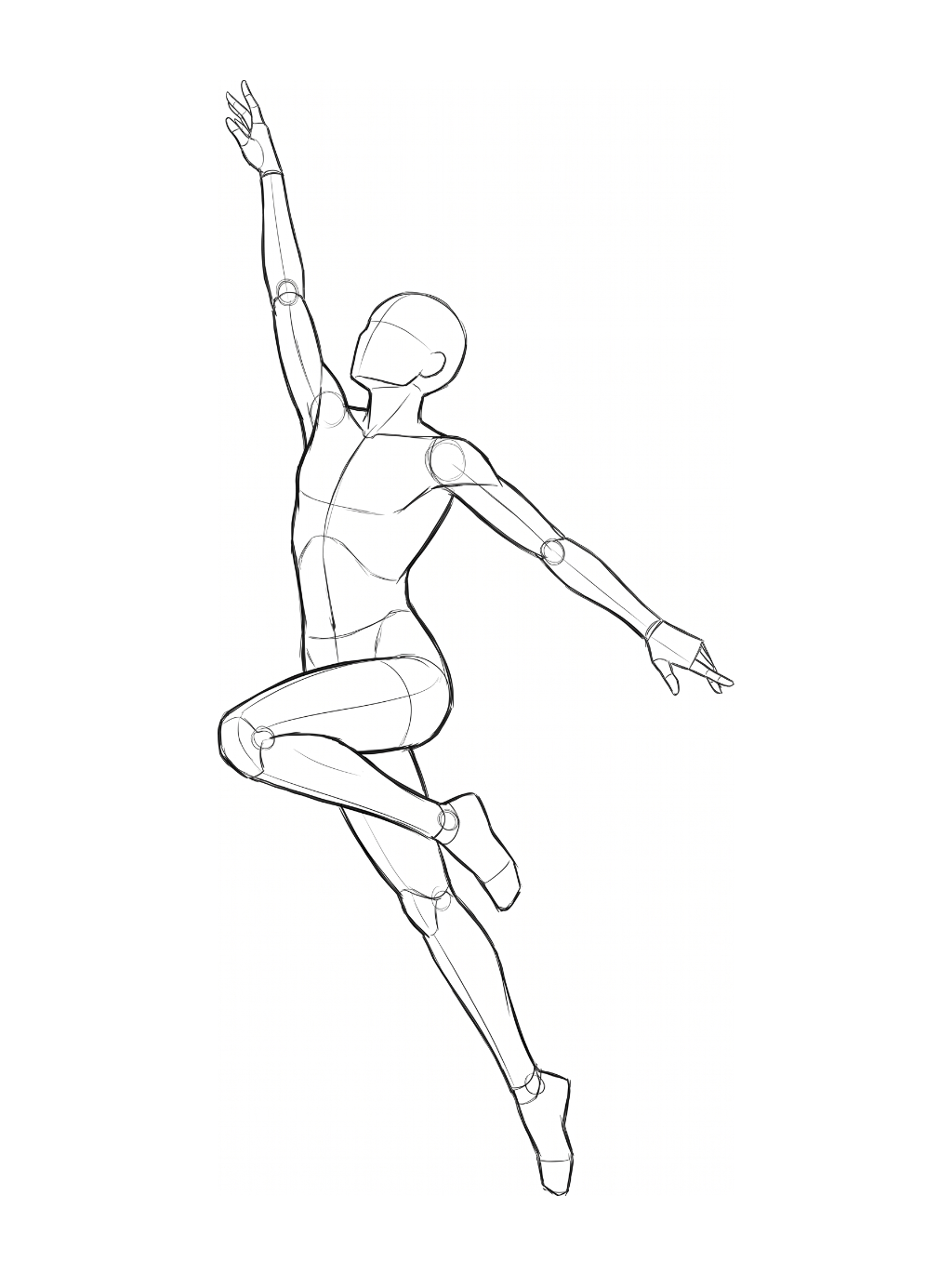
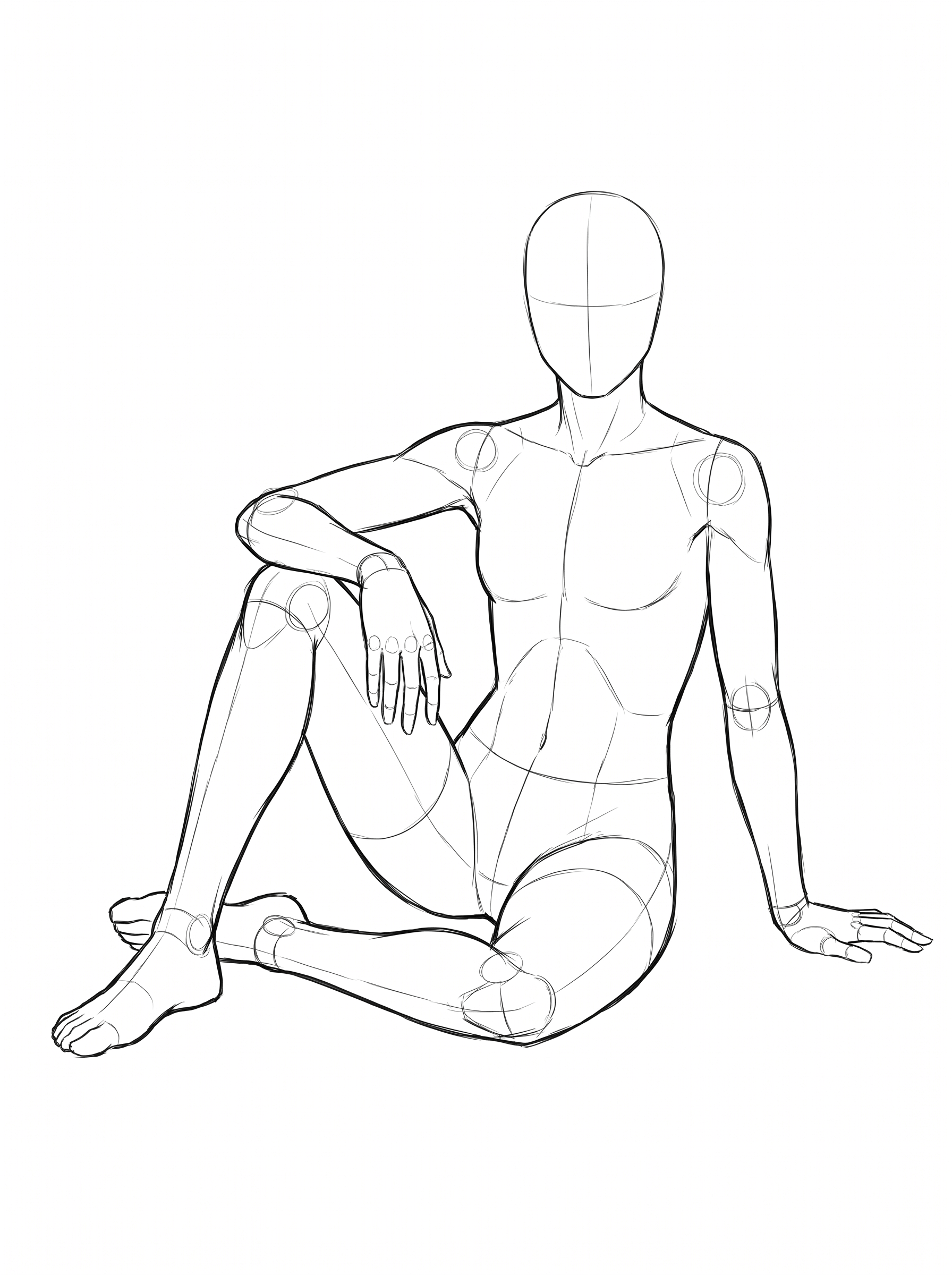
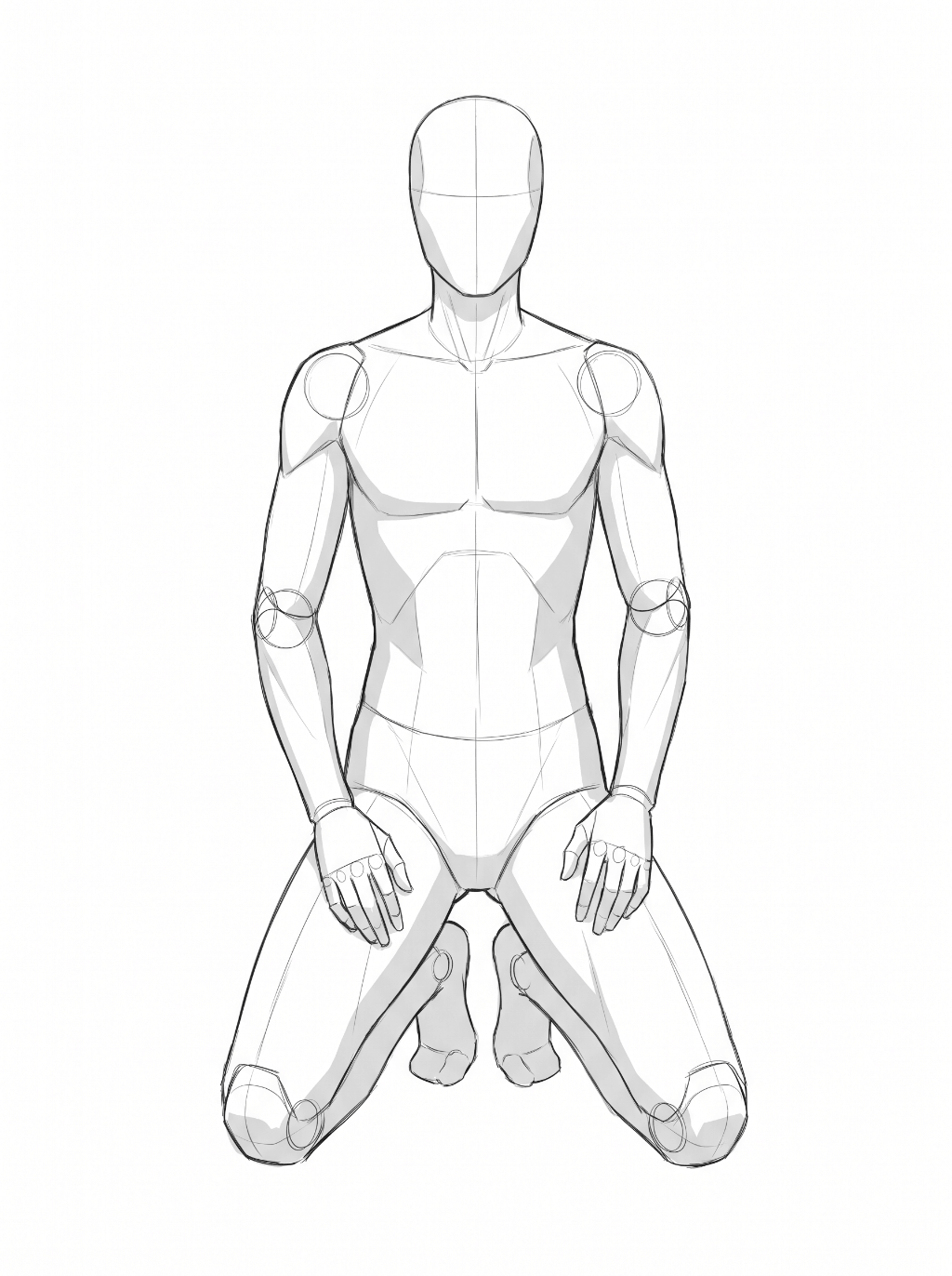
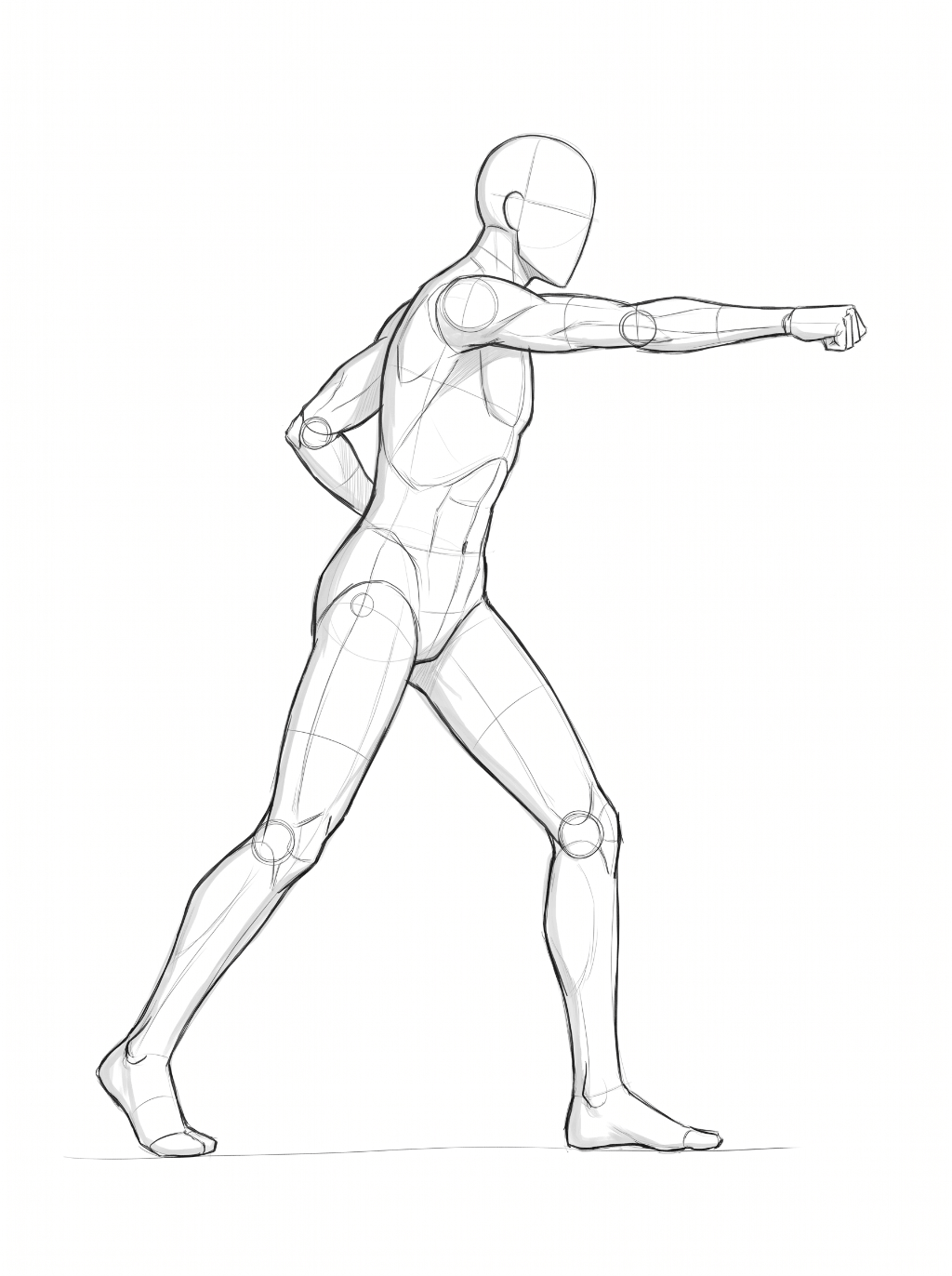
We've built a pose library with 44 standing, walking, sitting, and action sketches, and more poses are coming. Open the generator and pick one instead of describing every joint. Here are some of the poses:
How to generate a new character pose in three steps
- Upload a clear character illustration. A full-body or three-quarter view with readable limbs works better than a tight headshot. PNG, JPG, GIF, or WEBP are accepted, and you can start without an account.
- Pick one pose sketch, or describe a custom stance. The library covers stand, walk, run, sit, kneel, punch, and similar idle or action poses.
- Generate, then inspect joints and costume. Check that there is one connected body, that clothing follows the new pose, and that sketch lines did not leak into the picture.
The output is a new raster image, not layered art. Hands, weapons, and overlapping limbs can still distort, especially on sit and punch sketches. Review the full figure before you drop it into a comic panel or a game sheet.
FAQ
Do I have to use a pose sketch?
No. You can describe the stance in the prompt. A sketch is usually more reliable for limb angles because it is a visual template instead of a short sentence.
Can I keep the same outfit while changing the pose?
That is the point of the workflow. The illustration is the identity reference. The sketch only supplies body pose. If colors or costume pieces drift, the source image may be cropped too tightly or the pose may conflict with a bulky silhouette.
Ready to try a pose sketch on your character?
Open the AI Illustration Pose Generator